

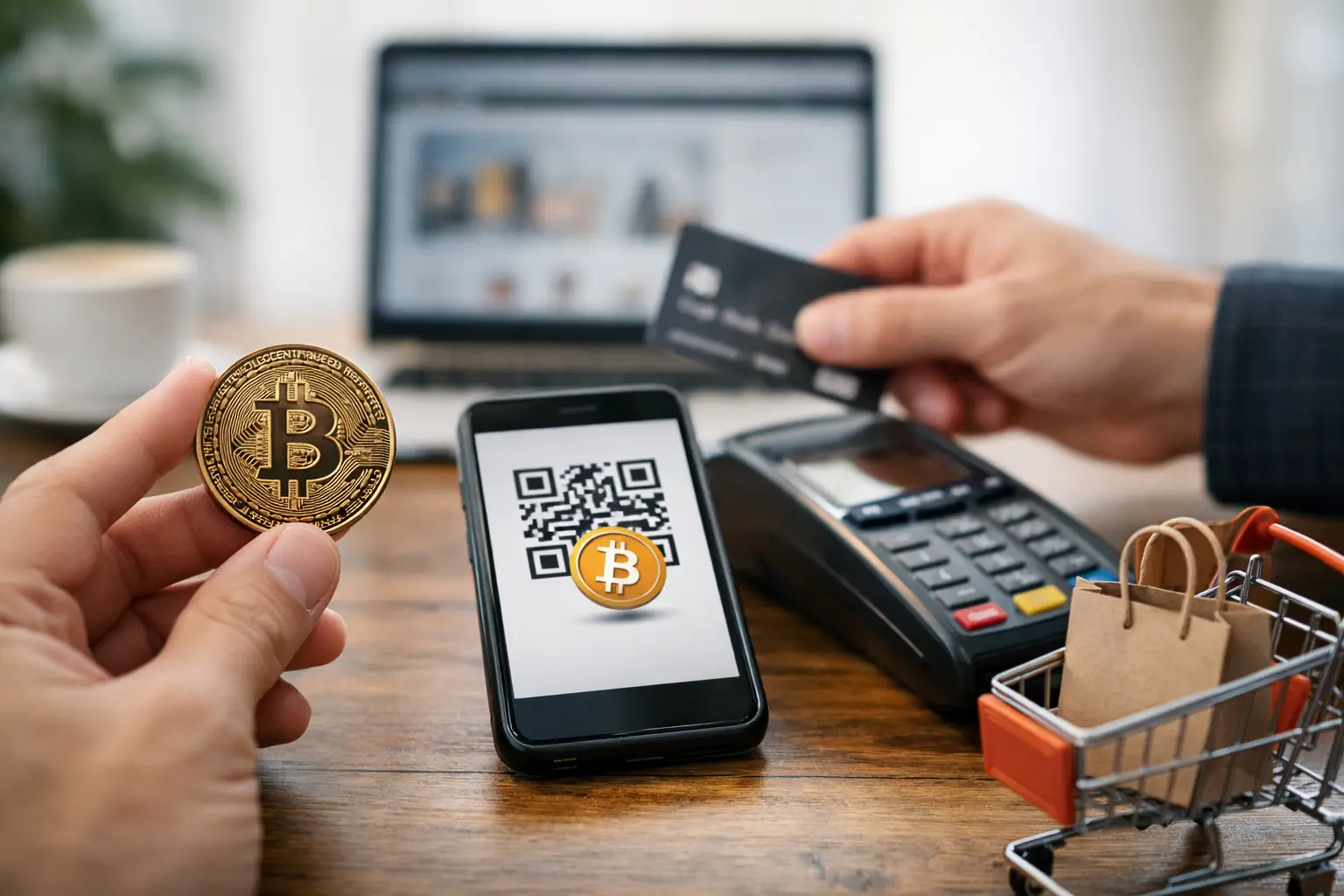
Paying by card leaves a trail. Paying by bank transfer can be slow, exposed and restrictive. That is why a bitcoin checkout beginner guide matters for buyers who want more control over privacy, payment access and order speed without turning checkout into a technical exercise.
If you are placing your first crypto order, the process is simpler than most people expect. The mistakes tend to be basic rather than advanced – sending the wrong coin, entering the wrong network, or leaving the payment too long and missing the invoice window. Get those points right and bitcoin checkout becomes a practical payment method, not a hurdle.
Bitcoin checkout beginner guide: what you actually need
You do not need trading experience, charts or a deep knowledge of blockchain mechanics. For a basic checkout, you need a Bitcoin wallet, enough BTC to cover the order and network fee, and a few spare minutes to complete the payment before the invoice expires.
A wallet is simply the tool that holds and sends your Bitcoin. For most first-time buyers, a mobile wallet is the easiest place to start because it lets you scan QR codes and confirm payments quickly. Some buyers prefer exchange accounts because they already hold BTC there, but that comes with trade-offs. Exchanges can delay withdrawals, ask for extra verification, or process sends more slowly than a dedicated wallet. If timing matters, a proper wallet usually gives you more control.
You also need to understand one basic rule: Bitcoin is not the same as every other crypto. BTC, ETH, LTC and USDT are different assets. If checkout requests Bitcoin, send Bitcoin only. Sending the wrong asset to a BTC address is the sort of mistake that turns a simple order into a support case.
How bitcoin checkout works at order stage
At checkout, you select Bitcoin as the payment method. The system then generates a payment address and, in most cases, either a QR code or a copyable wallet string. You send the exact amount shown from your wallet to that address.
Once sent, the transaction is broadcast to the Bitcoin network. From there, the payment normally moves through one or more confirmations before it is marked as received. This is where beginners sometimes get nervous. The payment is not usually instant in the way a card authorisation feels instant. There is a short wait while the network verifies the transaction.
That delay is normal. What matters is whether the transaction has been sent correctly, to the correct address, for the correct amount, within the payment window shown on the invoice.
Before you pay, check these details twice
The fastest way to avoid payment problems is to slow down for thirty seconds before you hit send. Check the coin, check the address, check the amount, and check whether the invoice has a timer attached.
Amount matters more than many first-time buyers realise. Bitcoin prices move, and many checkouts lock the BTC amount only for a limited period. If the invoice says to send a specific amount, do not round it casually. A tiny underpayment can create manual reconciliation issues. Overpaying is not ideal either because it can complicate order matching.
Network fee is separate from the order amount in many wallets. This catches beginners out. If your order total is set in BTC, make sure your wallet balance covers both the invoice amount and the miner fee. If your balance only covers the exact invoice amount, the wallet may reduce the send or block the transaction entirely.
Address format also deserves attention. Copy and paste carefully, or use the QR code if you are paying from a mobile wallet. Avoid typing addresses manually. One character wrong means the payment goes elsewhere, and Bitcoin transactions are not reversible.
Choosing a wallet for your first order
For most buyers, the right wallet is the one that is easy to use, lets you control sends directly and shows transaction status clearly. A clean mobile wallet often beats a feature-heavy desktop setup when your priority is getting through checkout without friction.
The key difference is custody. With a self-custody wallet, you control the funds and the send process yourself. With an exchange wallet, the platform controls the infrastructure and may place limits on when or how you withdraw. For beginners, that matters because checkout windows are often short. If an exchange takes too long to process the withdrawal, you can miss the payment window even though you started on time.
That does not mean exchanges are unusable. They can work if you already hold BTC there and know the withdrawal timing. But for a first order, direct wallet control is often the safer choice.
Common beginner mistakes at bitcoin checkout
Most failed crypto payments come down to a handful of repeat errors. The first is sending the wrong coin. The second is waiting too long and paying after the invoice expires. The third is not leaving enough BTC in the wallet to cover the network fee.
Another common problem is trying to send from a platform that batches or delays withdrawals. You may click send straight away, but the platform only releases the transaction later. By then, the order total or payment window may no longer match.
There is also the issue of copy-paste habits. Some buyers copy the payment address, switch apps, return to the checkout and accidentally copy a different field or overwrite the address. Treat the address as the critical part of the order. Verify the first few and last few characters before you confirm.
Finally, do not assume that unconfirmed means failed. A Bitcoin payment can be correctly sent and still take a little time to register fully. If the transaction exists and the details are correct, patience is often part of the process.
Fees, timing and what to expect after sending
Bitcoin network fees are not fixed. They change based on network activity and the priority level your wallet uses for the transaction. In quiet periods, fees can be modest. When the network is busy, they can rise. For small orders, this matters more because the fee takes up a larger share of the total spend.
That does not make Bitcoin a bad option. It simply means you should check the fee before sending. If your wallet lets you choose between slower and faster fee settings, be realistic. A lower fee may save money, but it can also mean a slower confirmation. If the order is time-sensitive, paying slightly more for a quicker broadcast can make sense.
After sending, your wallet should show the transaction as pending or unconfirmed first, then confirmed. Most buyers only need to keep an eye on whether the payment has been broadcast successfully and whether the order system updates once the required confirmations are reached.
A practical first-order workflow
If you want the lowest-friction route, keep the process tight. Set up your wallet before adding products to basket. Fund it in advance instead of trying to buy BTC at the last minute. When you reach checkout, stay focused until the payment is completed.
Open the Bitcoin payment page, copy the address carefully or scan the QR code, and send the exact amount shown. Confirm that the network fee is separate and that your total wallet balance covers both parts. Once sent, save the transaction reference if your wallet shows one. That gives you a clear record if support ever needs to trace the payment.
For buyers using specialist online shops, this method fits a privacy-conscious checkout process well. It reduces exposure, avoids card declines and usually keeps the order moving without unnecessary back-and-forth. That is one reason crypto payment support remains a practical feature for experienced European buyers using retailers such as Chemistry King.
When Bitcoin is the right choice – and when it is not
Bitcoin checkout is a strong fit when privacy, payment flexibility and direct control matter most. It is especially useful for buyers who want to avoid conventional payment friction or who already keep some BTC ready for online purchases.
It is not always the cheapest or fastest route for every order. If network fees are unusually high, or if you are buying BTC from scratch just to place one small order, the process can feel less efficient. That is not a flaw in checkout itself. It is simply a question of order size, timing and how prepared you are before you reach the payment page.
For repeat buyers, the learning curve is short. The first payment takes the most attention. After that, the process tends to become routine.
A good first crypto checkout is not about doing anything clever. It is about staying accurate, acting within the payment window and using the right wallet for the job. Once you have done that once, Bitcoin stops feeling technical and starts feeling like what it is – a direct payment method that rewards careful buyers.