

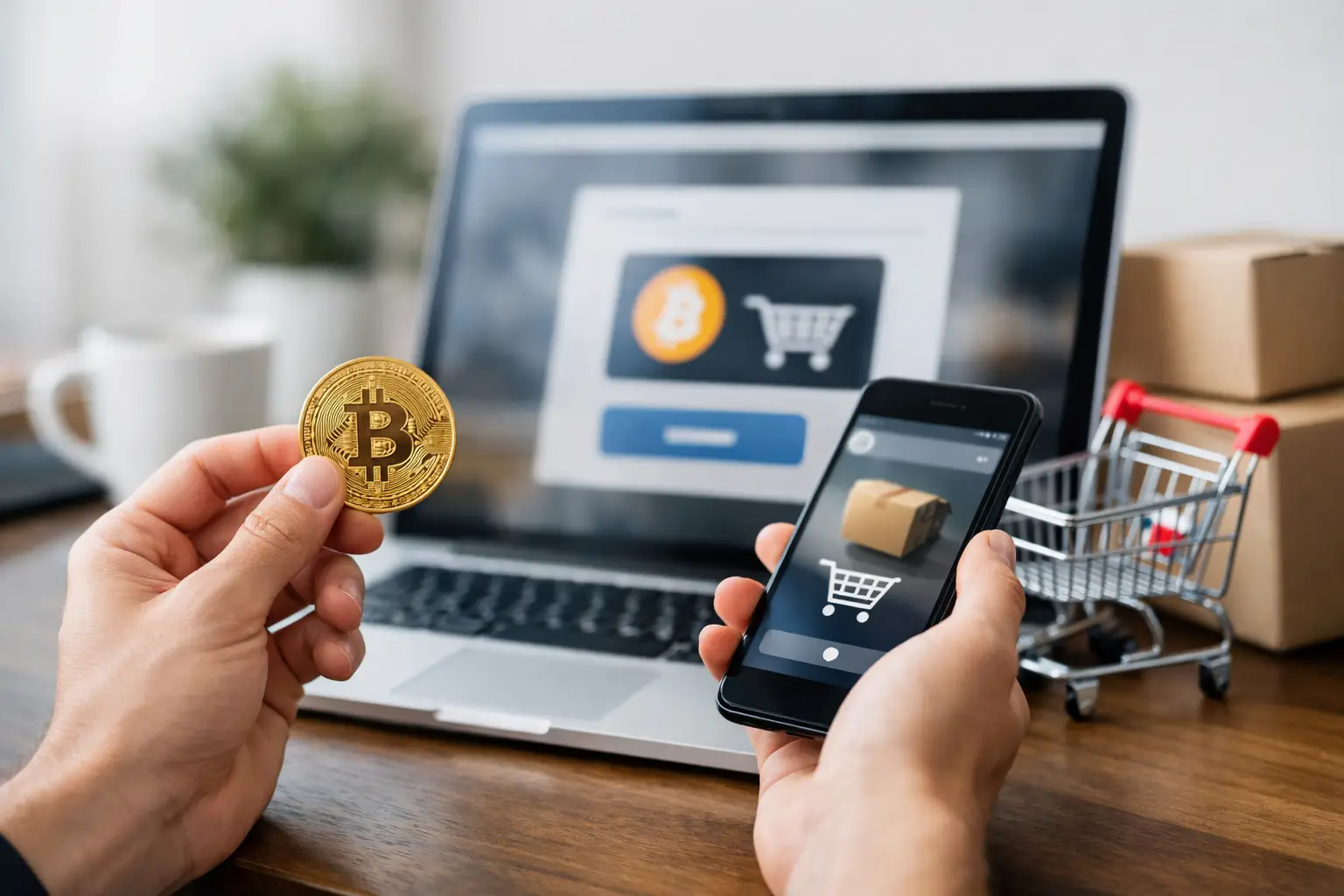
Paying with Bitcoin is straightforward once you understand the two details that matter most: the exact payment address and the correct network. Get either wrong and, unlike a card payment, there is usually no bank that can reverse the transfer. Check the order details carefully, send the precise amount requested, and wait for the payment status to update before treating the order as complete.
For buyers who value privacy, direct control and payment flexibility, Bitcoin can be a practical checkout option. It also removes the need to share card details with every retailer. The trade-off is responsibility: you control the transaction from start to finish.
How to pay with bitcoin before you reach checkout
You need Bitcoin in a wallet that allows you to send funds. A wallet may be an app on your phone, desktop software, hardware storage, or an account with a cryptocurrency exchange. For online payments, a self-custody wallet can offer more direct control because you can scan a QR code and approve the transfer yourself. An exchange account can work too, although some exchanges apply withdrawal holds, minimums or additional verification that can delay a time-sensitive payment.
Before placing an order, check your available balance. Do not look only at the Bitcoin amount. Account for the network fee charged by your wallet or exchange, particularly when the Bitcoin network is busy. The retailer receives the invoice amount, while the fee is paid separately by you.
It is also worth checking that you can send Bitcoin on the standard Bitcoin network. Payment pages may support more than one cryptocurrency, but each asset and network has its own address format. Bitcoin must be sent as Bitcoin to a Bitcoin address unless the payment page clearly instructs otherwise.
Select Bitcoin at checkout
At checkout, choose Bitcoin from the available payment methods. The payment page will normally show three things: the amount due, a wallet address and a QR code. Some providers also show a countdown timer. This reflects the exchange rate used to create the invoice, since the value of Bitcoin can move quickly.
If an invoice has a timer, make the transfer before it expires. Sending late can mean the amount received no longer matches the invoice value, creating a manual review or delaying confirmation. If you miss the window, return to checkout and generate a new invoice rather than guessing the revised amount.
Use the amount displayed on the payment page, not a rounded estimate. Even a small shortfall can leave an invoice unpaid. If your wallet lets you choose the amount in pounds, switch carefully between GBP and BTC and verify that the final BTC figure matches the invoice exactly.
Send the payment from your wallet
Open your Bitcoin wallet and select Send, Withdraw or Transfer. You can scan the QR code with a mobile wallet or copy and paste the address into the recipient field. Copying is reliable when done carefully, but always compare the first and last characters of the pasted address against the address shown at checkout.
This check is not optional. Clipboard-altering malware can replace a copied crypto address with an attacker’s address. A quick visual comparison is one of the simplest protections available. Keep your device updated, avoid untrusted browser extensions and never accept a payment address sent through an unsolicited message.
Enter the exact invoice amount. Your wallet should then display the network fee and the total that will leave your balance. Review both before confirming. Once broadcast, a Bitcoin transaction cannot normally be cancelled or recalled.
After approval, your wallet will provide a transaction ID, sometimes called a TXID. Keep it until the retailer marks the payment as received. It is the reference used to locate the transfer on the blockchain if support needs to investigate a delay.
Check the network, amount and address
Most failed Bitcoin payments come down to avoidable errors. Before tapping confirm, check these four points:
- The currency is Bitcoin, not another cryptocurrency with a similar-looking name.
- The network selected is the Bitcoin network required by the invoice.
- The amount matches the checkout page exactly, including decimals.
- The recipient address matches the invoice, especially the opening and closing characters.
Do not send a test payment unless the retailer explicitly supports partial payments. A small test transfer may not settle the invoice and can complicate the order. For a first purchase, the better approach is to make one carefully verified payment for the full amount.
Wait for confirmation before closing the order
Once the transaction is broadcast, return to the payment page. It may detect the payment within minutes, but final confirmation can take longer depending on network conditions and the fee selected. A retailer may begin processing after the payment is detected, while others wait for one or more blockchain confirmations.
Avoid sending the amount again because the page has not refreshed immediately. First check your wallet history. If it shows the transaction as pending or sent, wait for the payment processor to update. Refresh the page after a few minutes, but do not create duplicate transfers.
If the payment still shows as unpaid after a reasonable period, contact the retailer’s support team with the order reference, the amount sent, the time of transfer and the transaction ID. Do not share your recovery phrase, private keys or wallet login details. Legitimate support staff will never require them to verify a payment.
Network congestion can affect timing. A low network fee chosen manually may leave a transaction pending for longer, while an appropriate fee increases the chance of prompt inclusion in a block. If fast order processing matters, use the fee recommendation supplied by a reputable wallet rather than choosing the lowest option by default.
Keep your Bitcoin payment private and secure
Bitcoin is often described as private, but it is more accurate to say it is pseudonymous. Transactions are recorded on a public blockchain. Your name is not automatically attached to an address, yet payment activity can still be analysed when addresses are connected with personal information elsewhere.
Good security habits matter more than complicated tactics. Use a wallet from a recognised provider, protect it with a strong password and two-factor authentication where available, and store your recovery phrase offline. Never put a seed phrase in cloud notes, email, screenshots or a chat app. Anyone with that phrase can take the funds.
For larger balances, consider keeping spending funds in a separate wallet from long-term holdings. This limits exposure if the device used for routine purchases is compromised. It also makes it easier to see what has been sent and what remains available.
Use a private connection when paying online and check that you are on the retailer’s genuine checkout page. Be cautious with search adverts, lookalike domains and messages claiming that an invoice address has changed. A valid payment address should come from the checkout flow, not from social media, Telegram, email or a direct message unless you have independently verified the request.
When a Bitcoin payment is not the best choice
Bitcoin is not always the quickest option. If you do not already hold Bitcoin, buying it immediately before checkout can introduce exchange verification, card limits and withdrawal delays. Price movement also means the pound cost may change between purchasing Bitcoin and paying the invoice.
It may be better to use another available method when you need a reversible payment process, cannot comfortably manage wallet security, or are unsure about the retailer’s payment instructions. Only purchase lawful products you are entitled to buy in your location, and read the seller’s terms before paying.
For buyers who understand the process, Bitcoin offers direct payment without card details and without unnecessary intermediaries. Take the extra minute to verify the network, address and amount. That one check is what keeps a fast checkout from becoming an expensive mistake.